Games and apps for the Miyoo Mini Plus
Made for the handheld and Onion OS, and free to play.
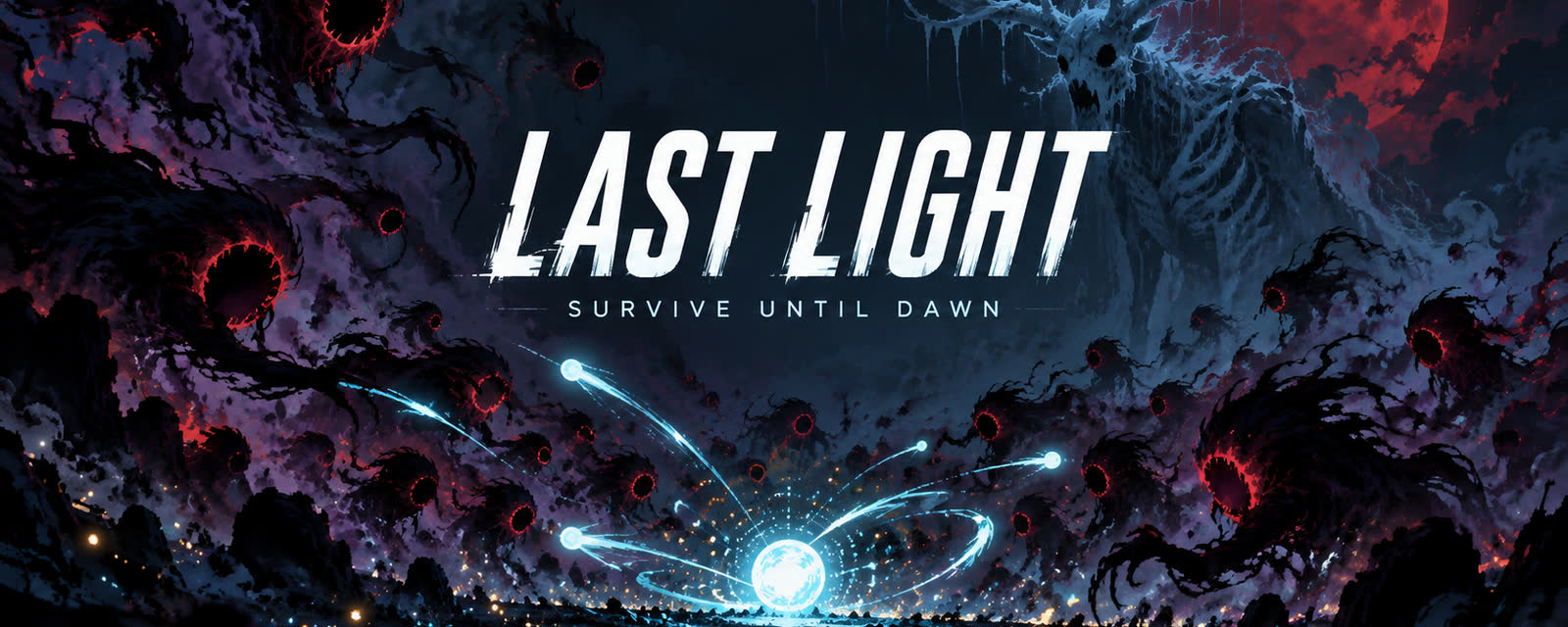
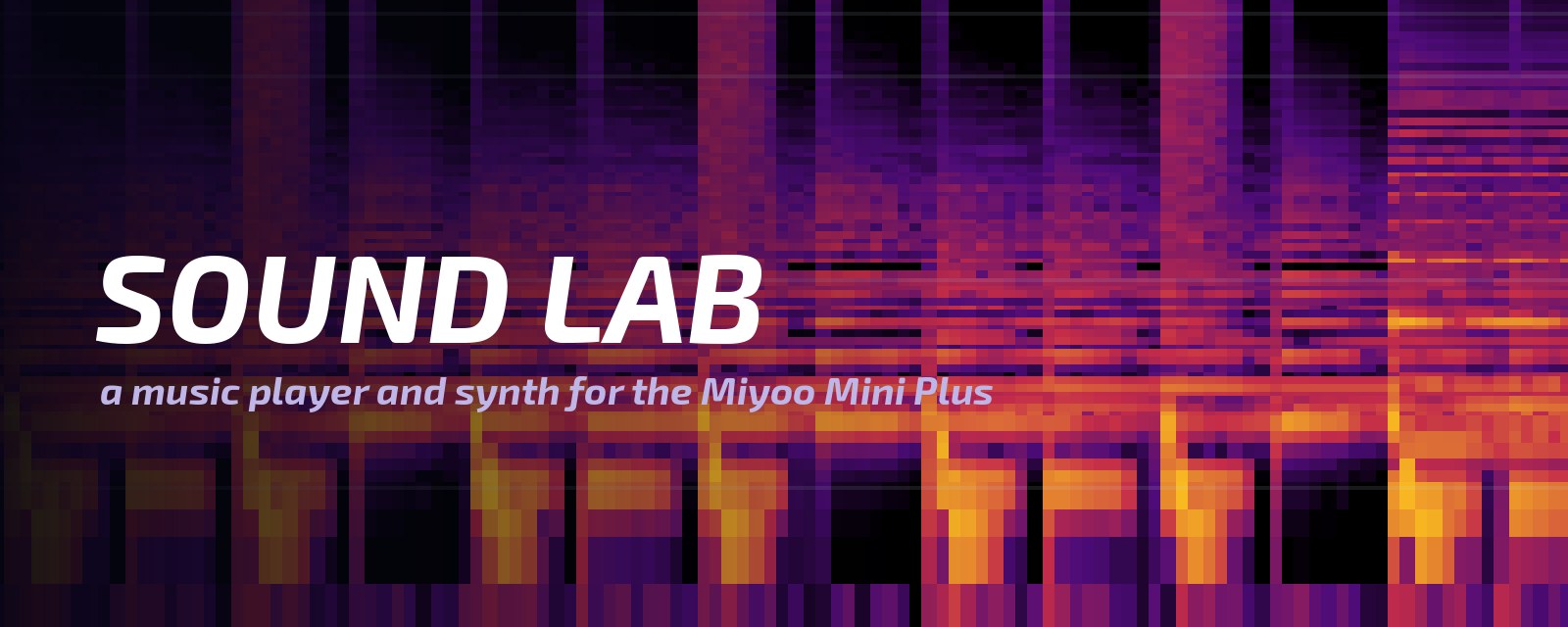
Install over Wi-Fi
Mixtape, the app store for Onion OS, installs our games and apps on the handheld and keeps them up to date.
Install with Mixtape
Mixtape is the app store for Onion OS on the Miyoo Mini Plus. It installs our games and apps over Wi-Fi. Mixtape does not list our catalog by itself yet, so add it once by hand:
- Install Mixtape (its install steps), open it once on the handheld, then close it. That creates its settings file.
- Add our catalog. Turn the handheld off and put its SD card in your computer. In a text editor, open
App/Mixtape/data/config.json(the one in thedatafolder) and add this line before the closing}, with a comma at the end of the line above it:The file then looks like this (keep the lines you have; yours may differ):"sources": ["https://slop.kitchen/mixtape/manifest.json"]{ "catalog_url": "https://raw.githubusercontent.com/Producdevity/MiyooMini-Ports/master/ports.json", "github_token": "", "sources": ["https://slop.kitchen/mixtape/manifest.json"] }Already have a
"sources"line? Replace it with this one. - Restart Mixtape. Put the card back, turn Wi-Fi on and open Mixtape.
- Install LAST LIGHT from the GAMES tab and SOUND LAB from the APPS tab.
Updates then show up in Mixtape by themselves, and your saves and files are kept.
Not in the list? Check the commas and quotes: Mixtape ignores a settings file it cannot read. A copy you installed by hand shows as FOUND: choose REINSTALL once, and Mixtape keeps it up to date from then on, saves and files included.
Dev channel To get our in-development builds too, use this line in step 2 instead:
"sources": ["https://slop.kitchen/mixtape/manifest.json", "https://slop.kitchen/mixtape/dev/manifest.json"]Dev builds are untested. They install as LAST LIGHT DEV, UNDERLIGHT DEV and SOUND LAB DEV, alongside the stable games, and keep their own saves.